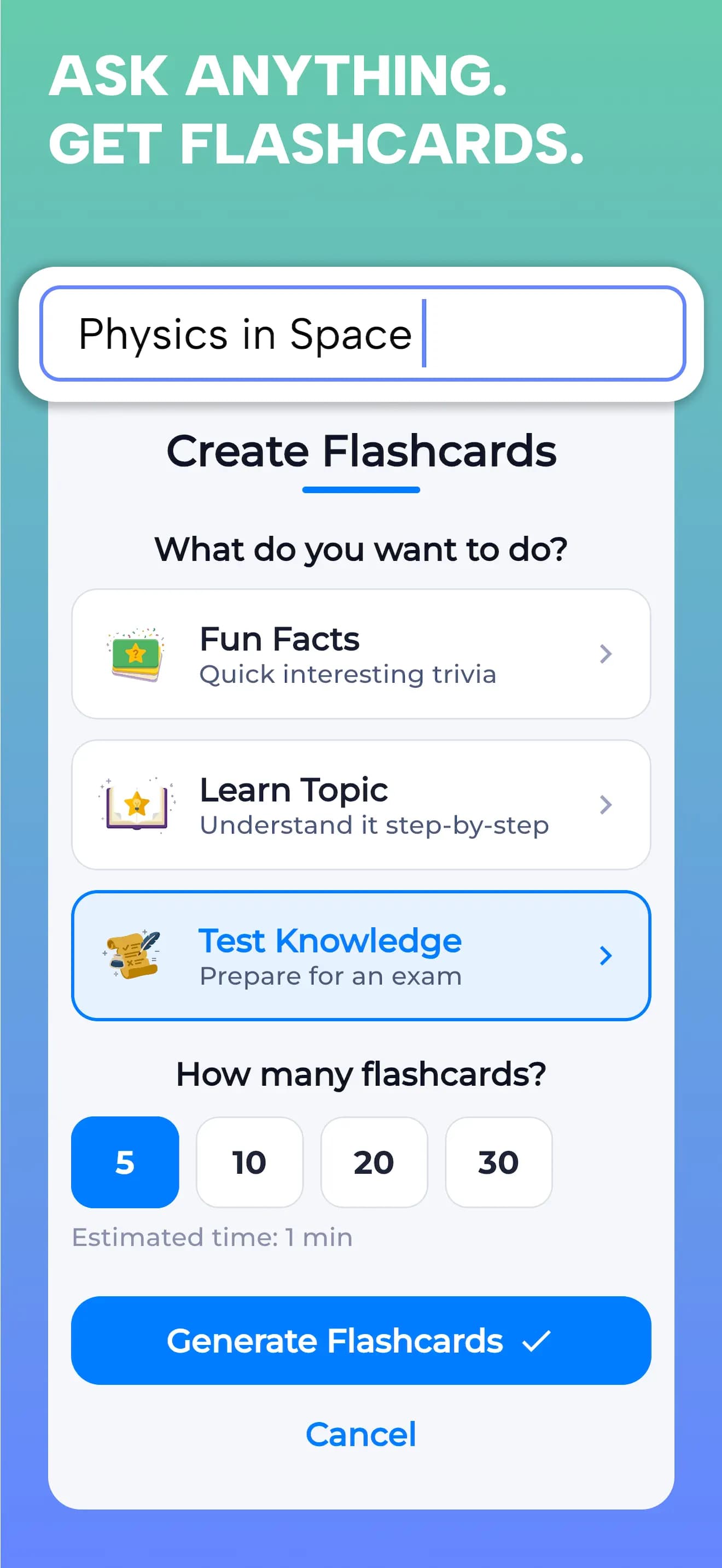
| Free access | Free to use with no paywall. Generate up to 30 flashcards per topic; this is a per-topic card count, not a promise of unlimited usage. | Desktop Anki and AnkiDroid are free. AnkiWeb synchronization is free. The official AnkiMobile iOS app is a paid purchase; consult your local store for its price.[1] |
|---|
| Create cards | Create from prompts, PDFs, notes, books, images, or audio. Choose the web or your saved Library as the source. | Create your own cards, import existing material, or use shared decks. Add-ons extend the desktop app; their capabilities vary.[1][3] |
|---|
| Review system | Remember Mode revisits selected material, missed cards, and weak concepts. Explore Mode follows connected topics. This is a description of the Feed, not a claim of Anki-equivalent scheduling. | Rate your recall and Anki schedules the next review. Review timing is customizable; the manual explains spaced repetition and FSRS.[1][2] |
|---|
| Cards & media | Learn, Test, or Discover with Yes / No, four-option multiple choice, and fill-in-the-blank questions. | Customize card layouts and include images, audio, video, and scientific markup.[1] |
|---|
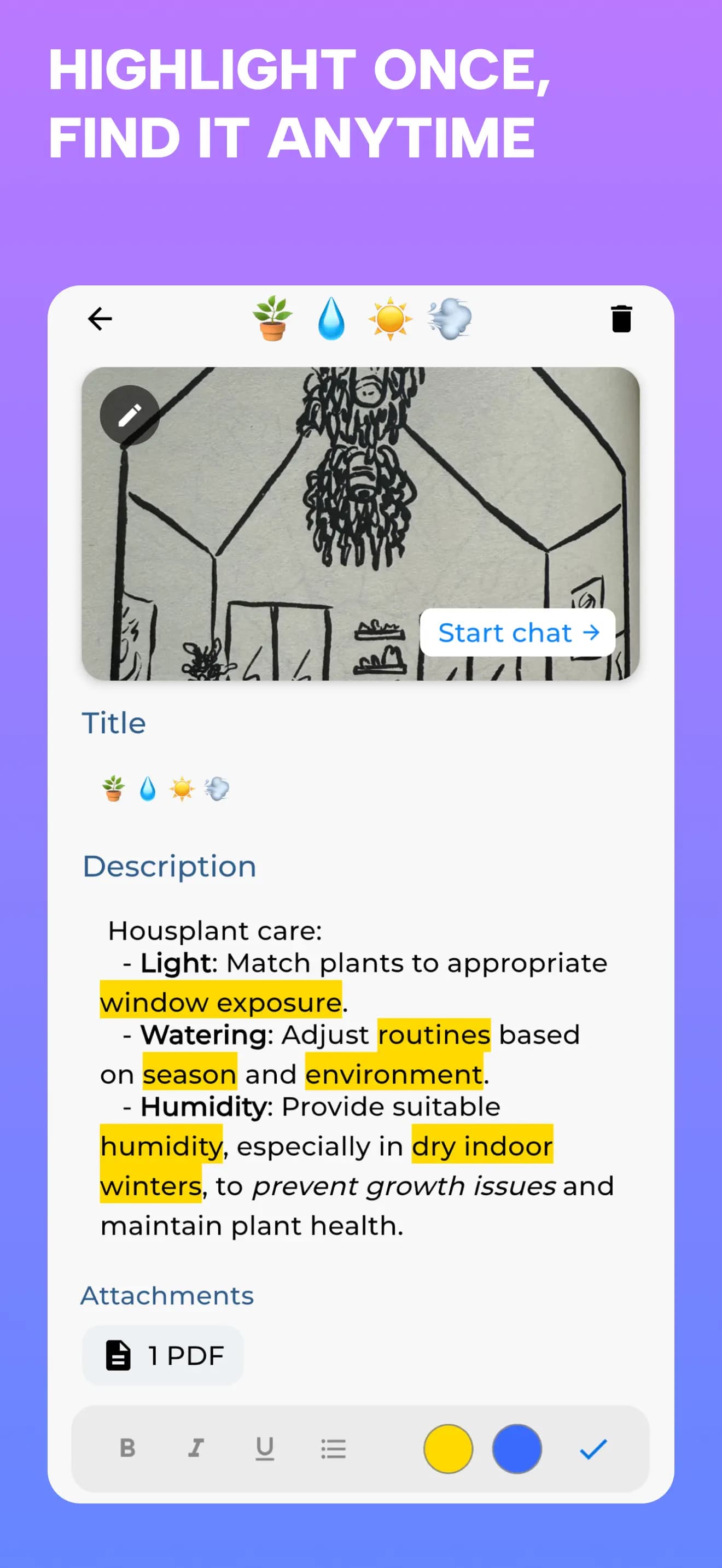
| Books & notes | Scan a page or add a PDF, keep the original material in your Library, then generate and revisit questions. | Organize study cards in decks. Importing existing cards can avoid creating a deck from scratch.[1][3] |
|---|
| Devices | Available on iOS and Android. Saved Library material works offline; AI features need a connection. Library sync is supported between iPhone and iPad. | Desktop clients for Windows, macOS, and Linux; AnkiMobile for iOS and AnkiDroid for Android. AnkiWeb synchronizes cards across devices.[1] |
|---|