| Free access | Free to use with no paywall. Generate up to 30 flashcards per topic; this is a per-topic card count, not a promise of unlimited usage. | Free accounts can study flashcards. Study Guides have limited free access; subscriptions unlock or extend other study features. Check current plan details for your account.[4][2] |
|---|
| AI card creation | Create from prompts, PDFs, notes, books, images, or audio. Choose the web or your saved Library as the source. | Smart Assist creates draft cards from text, uploaded files, or a topic/prompt. You can edit, delete, or add cards before publishing.[1] |
|---|
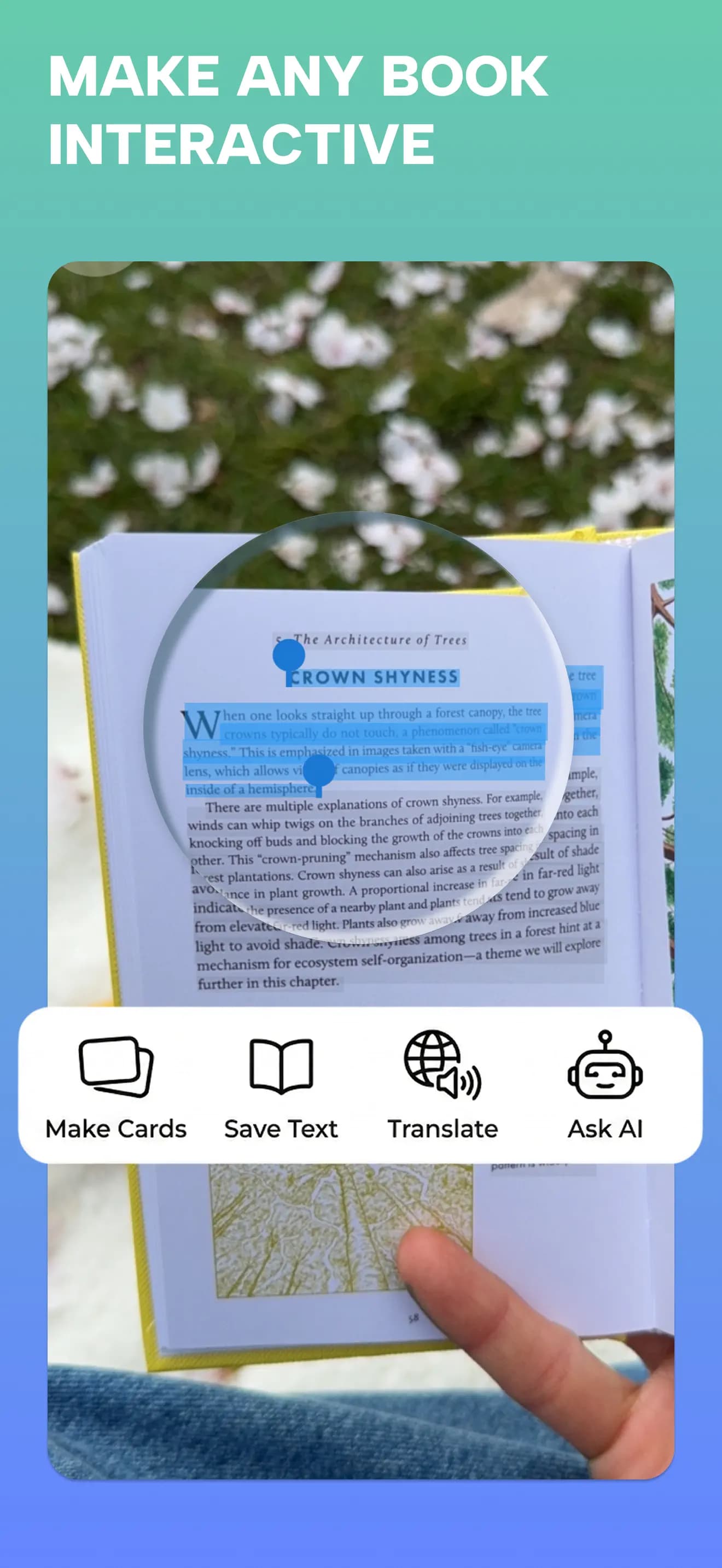
| Camera & recordings | Scan textbook pages or handwriting. Record or upload audio, save a transcript, and generate questions from it. | Document scanning is available to eligible Plus subscribers on iOS and Android. Study Guides also document photo inputs and an audio-recording input in the iOS workflow.[3][2] |
|---|
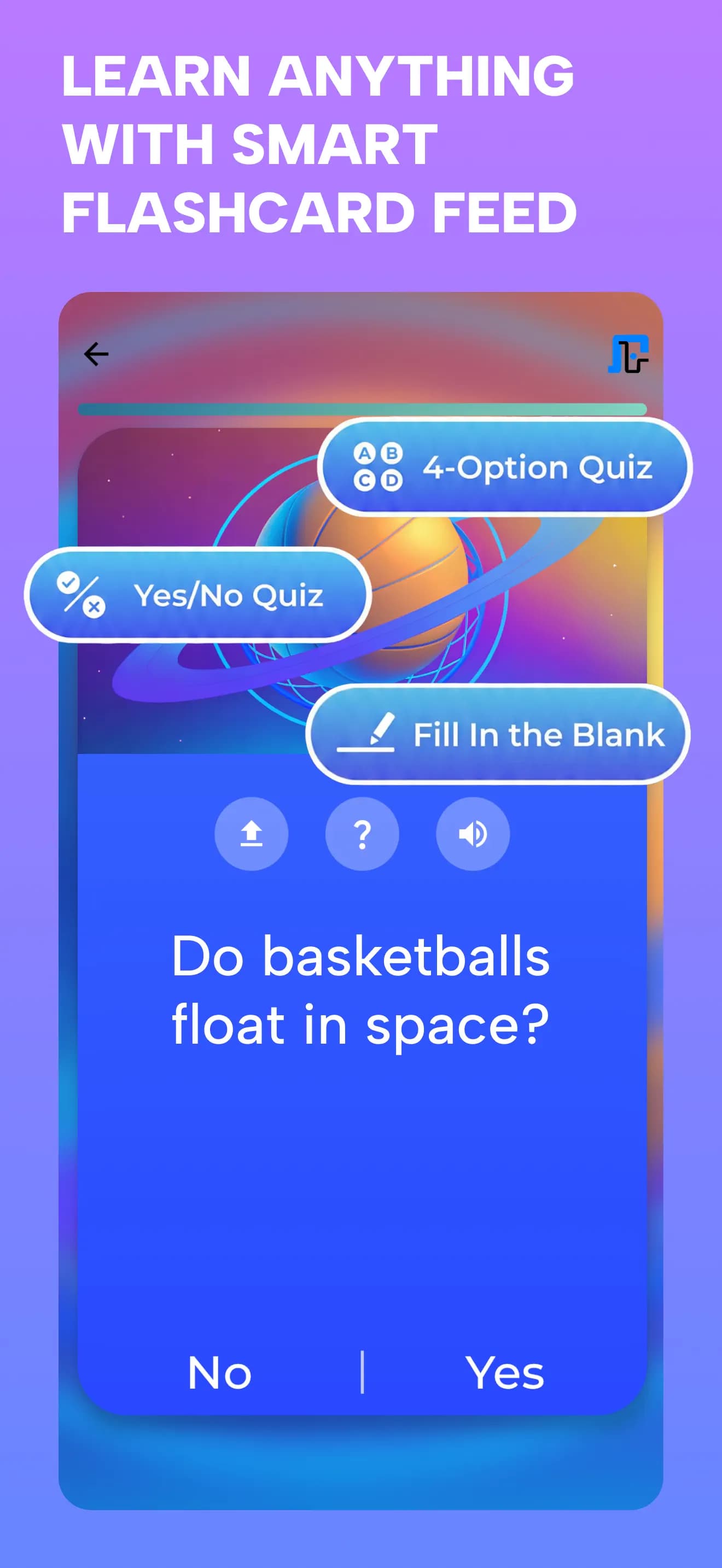
| Study experience | Learn, Test, or Discover with Yes / No, four-option multiple choice, and fill-in-the-blank questions. | Flashcards, Learn, Test, and other activities. Availability and extended access depend on the feature and subscription.[4] |
|---|
| Keep the source | Save PDFs, notes, scans, links, and audio together with folders, tags, favorites, and highlights. Chat with saved material. | Study Guides combine an outline and generated flashcards in your library. Guides can be edited and shared.[2] |
|---|
| Return to learning | Remember Mode revisits selected material, missed cards, and weak concepts. Explore Mode follows connected topics. | Return to saved sets or Study Guides and choose the study activity you want to use.[2][4] |
|---|
| Languages & offline | Study content in 20+ languages with audio. Saved Library material is available offline; AI features require internet. | Terms and definitions have language settings. Study Guides currently document English, French, and German plus age/region eligibility. Offline study is listed among subscription features.[5][2][4] |
|---|