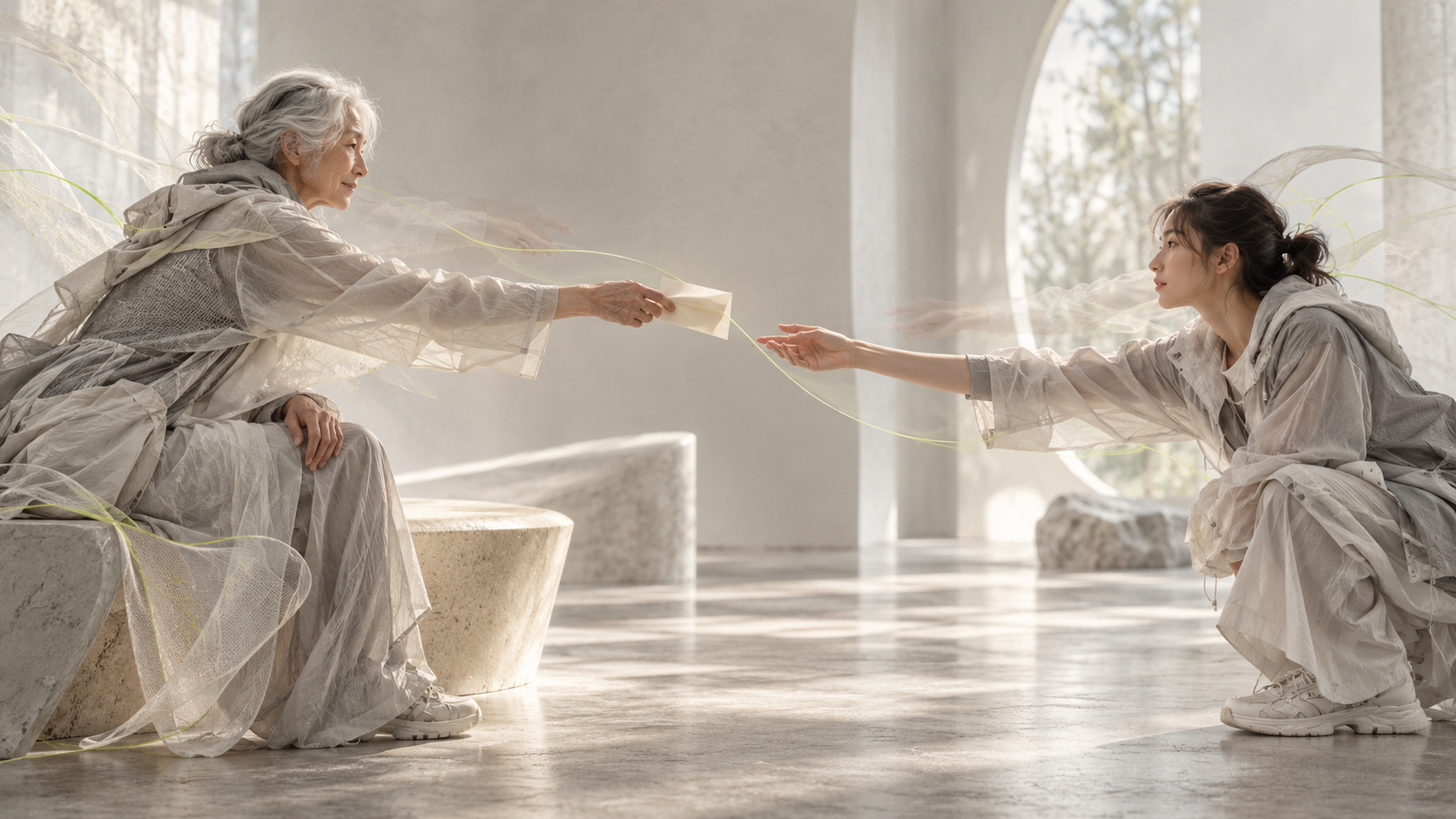
Learning From Stories: Experience You Never Lived Through
Learning from stories lets you borrow other people’s experience. Explore the memory research, ancient myths, and limits of lessons passed between generations.

Free AI flashcards & Second Brain
Turn PDFs, books, recordings, and notes into visual quizzes, and keep learning with your personal daily feed.
Start with your material or enter any topic.
Free to use. No paywall. iOS & Android.
20,000+ flashcard swipes generatedAI flashcards
Bring a chapter, a lecture, or a question you'd like to understand. Grasply turns it into visual quizzes, with explanations you can open whenever you get stuck.

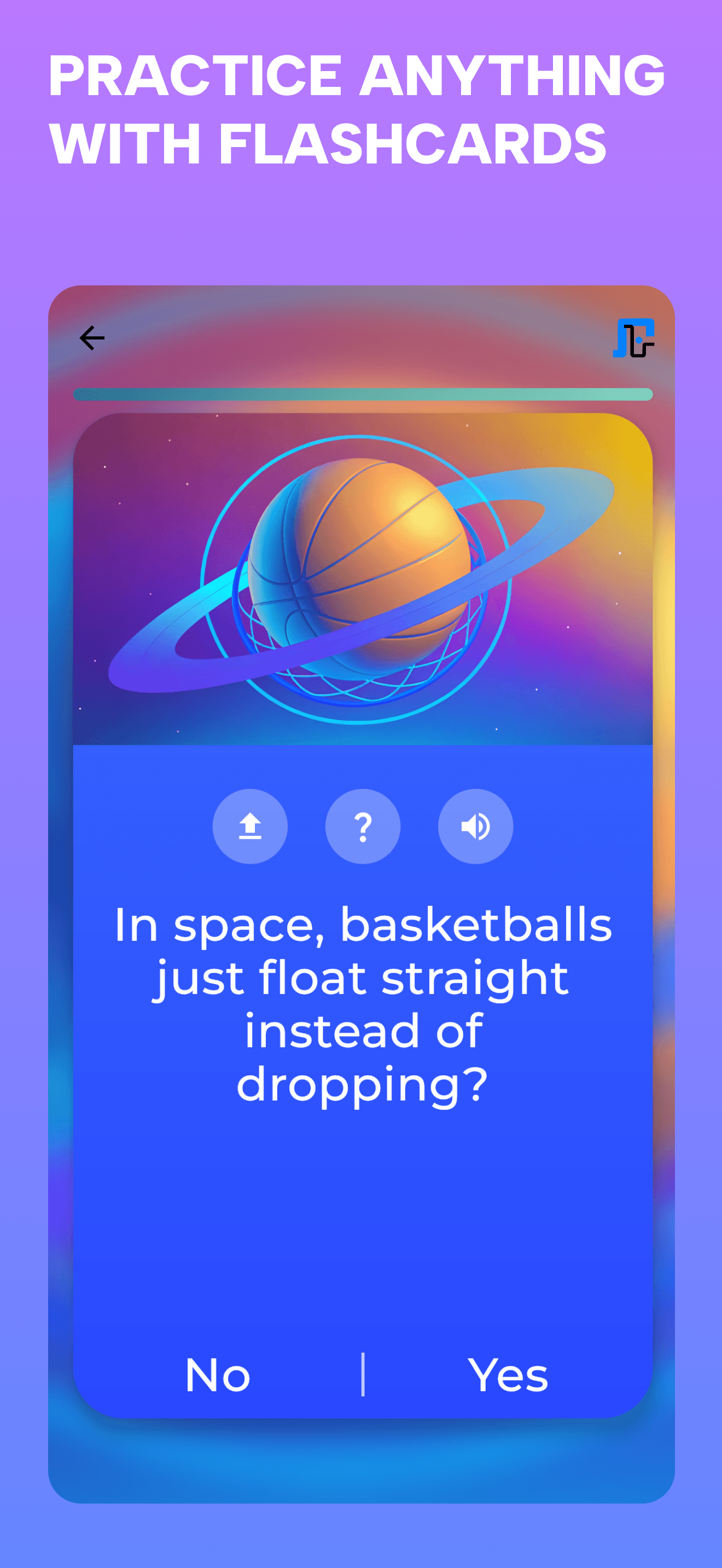
Pick something you'd like to feel more confident about: a biology topic, a history chapter, or the ideas in your lecture notes. Add the source to Grasply, or describe the topic you want to study.
Choose Learn for guidance or Test to check what you remember. Questions can use multiple choice, yes/no, and fill-in-the-blank answers. When you're unsure, read the explanation and compare important details with your notes or the linked sources.
Snap & study
Some passages make you stop and think. Take a photo, turn the text into a quiz, and give those ideas a little more time before you turn the page.

When a paragraph catches your attention, take a clear photo of it. Check the text Grasply reads from the page, then make flashcards or save it to your Library.
You can come back to it before class, while reading the next chapter, or whenever the subject comes up again. Reading in another language? Select text to translate it or hear it read aloud.
Second Brain Library
Keep passages from your books alongside your notes and recordings. When you come back, ask about something you didn't understand or make a quiz from it.

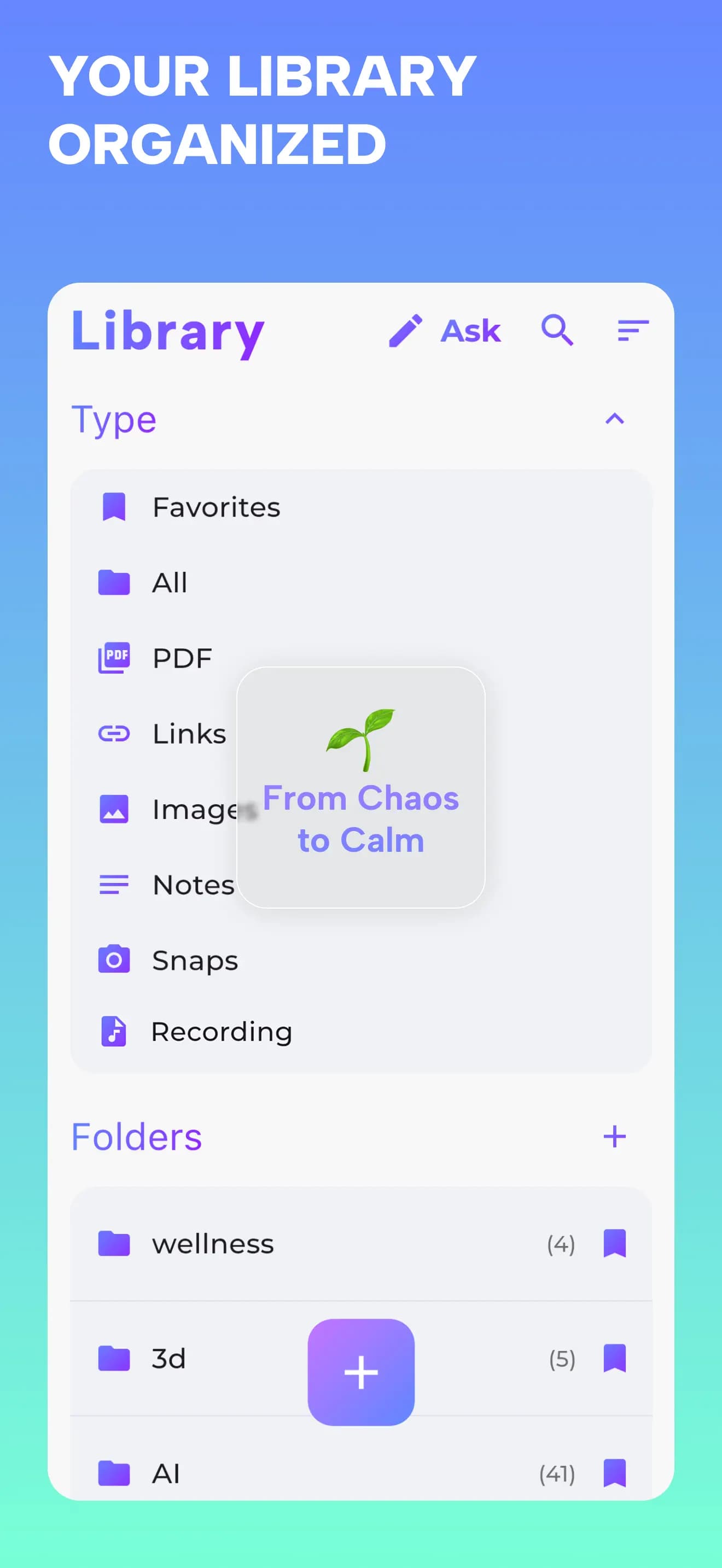
Give a course or a book its own folder, then add the notes, PDFs, links, photos, and recordings you want to keep. Grasply helps organize them, with tags, favorites, and highlights to help you find them again.
When you return, ask about a passage or choose it for a quiz. You can read saved Library items offline. AI features need an internet connection, and your Library can sync between iPhone and iPad.
Daily Learning Feed
Revisit a chapter you enjoyed, practice something from class, or get curious about a related subject. Choose Remember for your saved material and Explore for something new.
RememberCome back to what you’ve been learning.
ExploreFollow a question that interests you.


Daily Learning Feed
Come back to a book you loved, or get curious about something new.
With Remember, choose notes, book pages, PDFs, or recordings from your Library and review them as flashcards. Start with a chapter you want to return to or a topic you'd like more practice with.
With Explore, enter a topic or question and browse related subjects. After a quiz on the Cold War, you might get curious about diplomacy. Choose what interests you and try another quiz.
Record a lecture or upload one you already have. Grasply turns it into a transcript you can keep in your Library.
Come back to the explanation that went a little too fast, ask about the part you're unsure of, or make flashcards when you're ready to review. The recording gives you a starting point; the transcript gives you something to read and ask about.
When a topic is new, Learn walks through it step by step. When you want to see what you remember, choose Test. Discover is there for the days when you're simply curious about a subject.
You can practice with multiple choice, yes/no, and fill-in-the-blank questions, and listen to flashcard content with audio playback. Choose the kind of session that suits what you want to do today.
Use a language you're comfortable with, or practice one you're learning. Tell Grasply which language you'd like for the questions and which for the explanations.
For example: “Ask me biology questions in French and explain the answers in English.” Bring your own course notes or choose a topic, and use audio playback to hear the flashcards. Bilingual practice can be part of studying a subject, too.
Look back at your study sessions, cards studied, and weekly activity. Your history gives you a way to find an earlier quiz and try it again.
Before an exam, you might return to a session you found difficult. Read the explanations for answers you missed and decide what you want to practice next.
Open a PDF, note, book scan, or recording and ask in your own words. Try “How are these two ideas different?” or “Can you explain this paragraph more simply?”
Ask follow-up questions when there's more you'd like to understand. You can save a useful explanation, make flashcards from it, or use deep research for a broader question. Read the supporting sources when you want to check an answer.
Move around a 3D space filled with recommended topics. Open one that catches your attention, explore its related ideas, or start a flashcard quiz.
You might begin with piano basics and find a topic about jazz chords you'd like to try. Follow the subjects that interest you and see which questions they leave you with.
See Grasply in action
Learning Lab
Stories from using Grasply, ideas to try while you study, and a closer look at how we learn.
Learning from stories lets you borrow other people’s experience. Explore the memory research, ancient myths, and limits of lessons passed between generations.

AI technical debt can grow as code becomes easier to produce. Robert Moses offers a useful analogy for dependencies, maintenance, and engineering judgment.
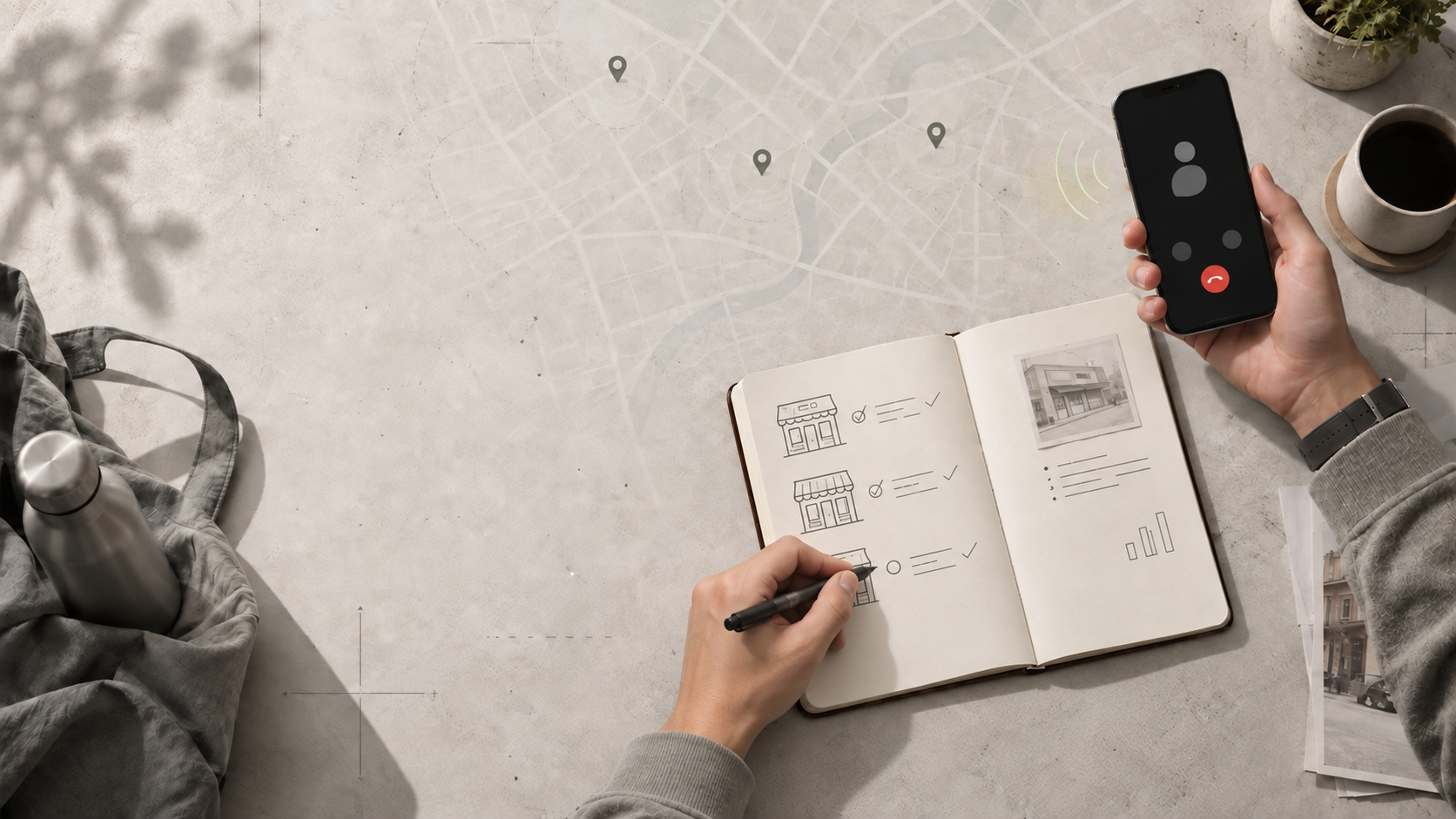
Call nearby competitors before you invest. Their prices, availability, and responsiveness can reveal local market pressure that desk research misses.

Why can the same chocolate taste better under an older brand story? Longevity bias shows how age labels quietly shape beauty, taste, and value.
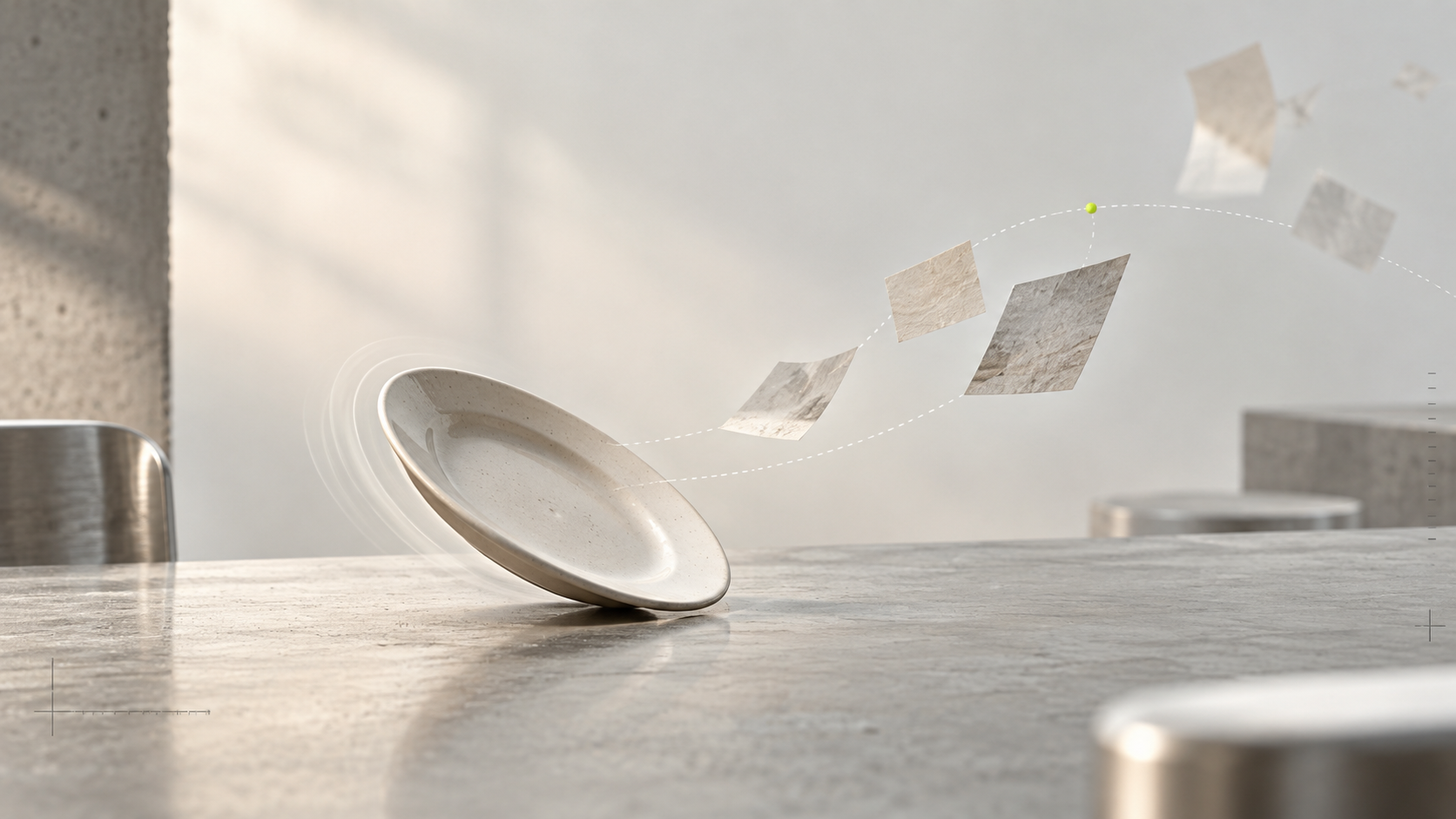
Richard Feynman’s wobbling plate story shows why useful ideas often begin as play - and why a Second Brain should bring old curiosities back into view.
Frequently asked questions
Yes. Grasply is free to use with no paywall. You can generate up to 30 flashcards per topic.
Yes. Save your notes, PDF, photo, or recording in the Library, then choose it when you create flashcards.
You can read what you've saved in your Library offline. Creating flashcards, transcribing audio, using chat, and searching the web need an internet connection.
Your Library can sync between iPhone and iPad.
You can study in more than 20 languages. You can also ask for questions in one language and explanations in another, and listen to the flashcards with audio playback.
Yes. Add the PDF you want to study, then choose it when you make your flashcards.
Yes. Take a clear photo and check the text Grasply reads from it. You can save it for later or make a quiz from it.
Yes. Record or upload audio, transcribe it, and create flashcards from the transcript.

Start with a page you're reading or a question that keeps coming back to you. Make your first quiz in Grasply.
Free to use. No paywall.
There's a particular pleasure in understanding something that puzzled you, or finding a connection you hadn't noticed. Grasply gives you ways to spend more time with the things you're curious about: ask questions, try a quiz, and keep the original notes and reading close by.
