| Free access | Free to use with no paywall. Generate up to 30 flashcards per topic; this is a per-topic card count, not a promise of unlimited usage. | Standard access is free with a qualifying account. Google currently lists daily limits of 10 flashcard generations and 10 quizzes; higher tiers increase limits. These are generations, not individual cards.[3] |
|---|
| Source-based study | Create from prompts, PDFs, notes, books, images, or audio. Choose the web or your saved Library as the source. | Upload sources into a notebook and generate study aids from them. On mobile, select or unselect sources for chat and Studio outputs.[1][2] |
|---|
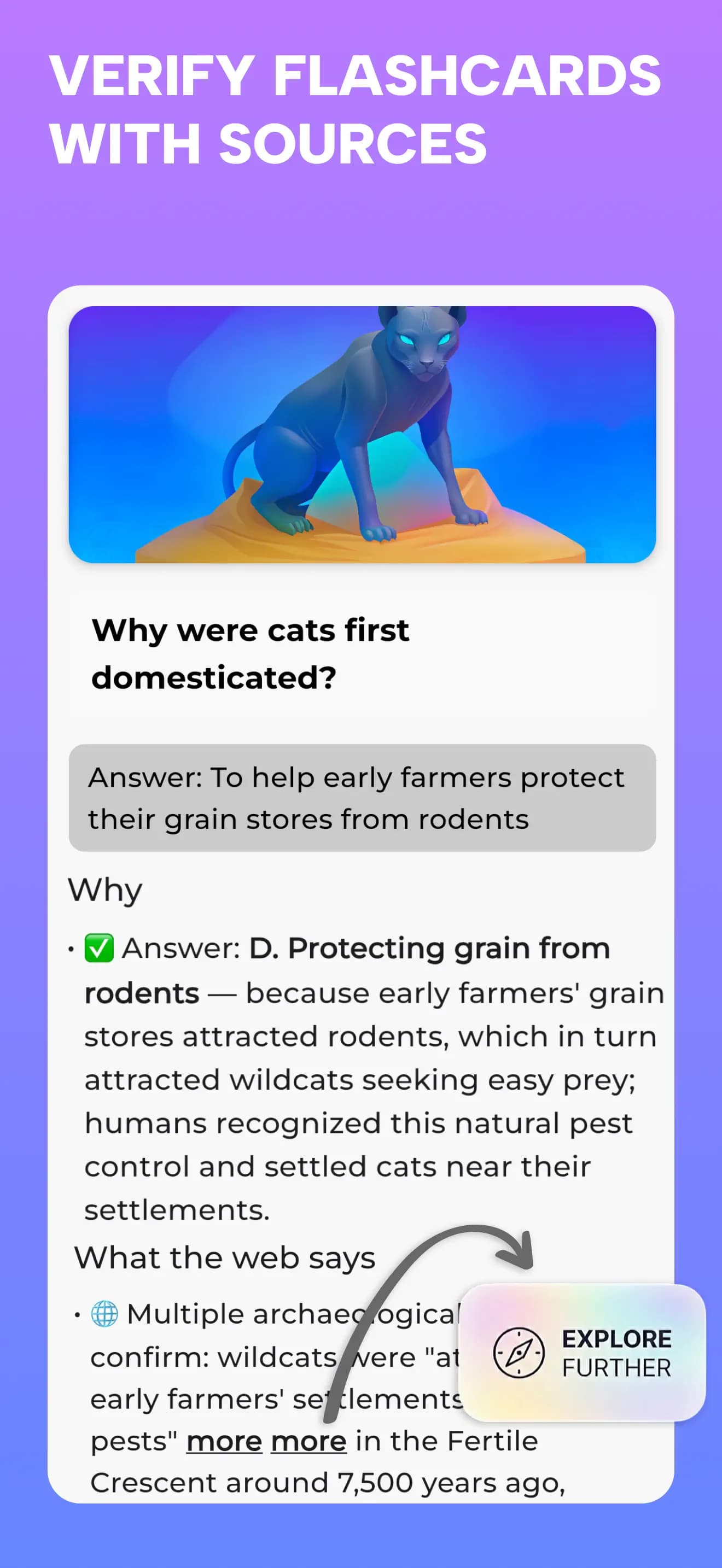
| Flashcards & quizzes | Learn, Test, or Discover with Yes / No, four-option multiple choice, and fill-in-the-blank questions. | Generate flashcards and quizzes, choose difficulty, guide the topic with a prompt, and open explanations.[2] |
|---|
| Progress & review | Remember Mode revisits selected material, missed cards, and weak concepts. Explore Mode follows connected topics. | Mark cards as got or missed, resume progress, review results, and practice only missed flashcards. Flashcards can be downloaded as CSV.[2] |
|---|
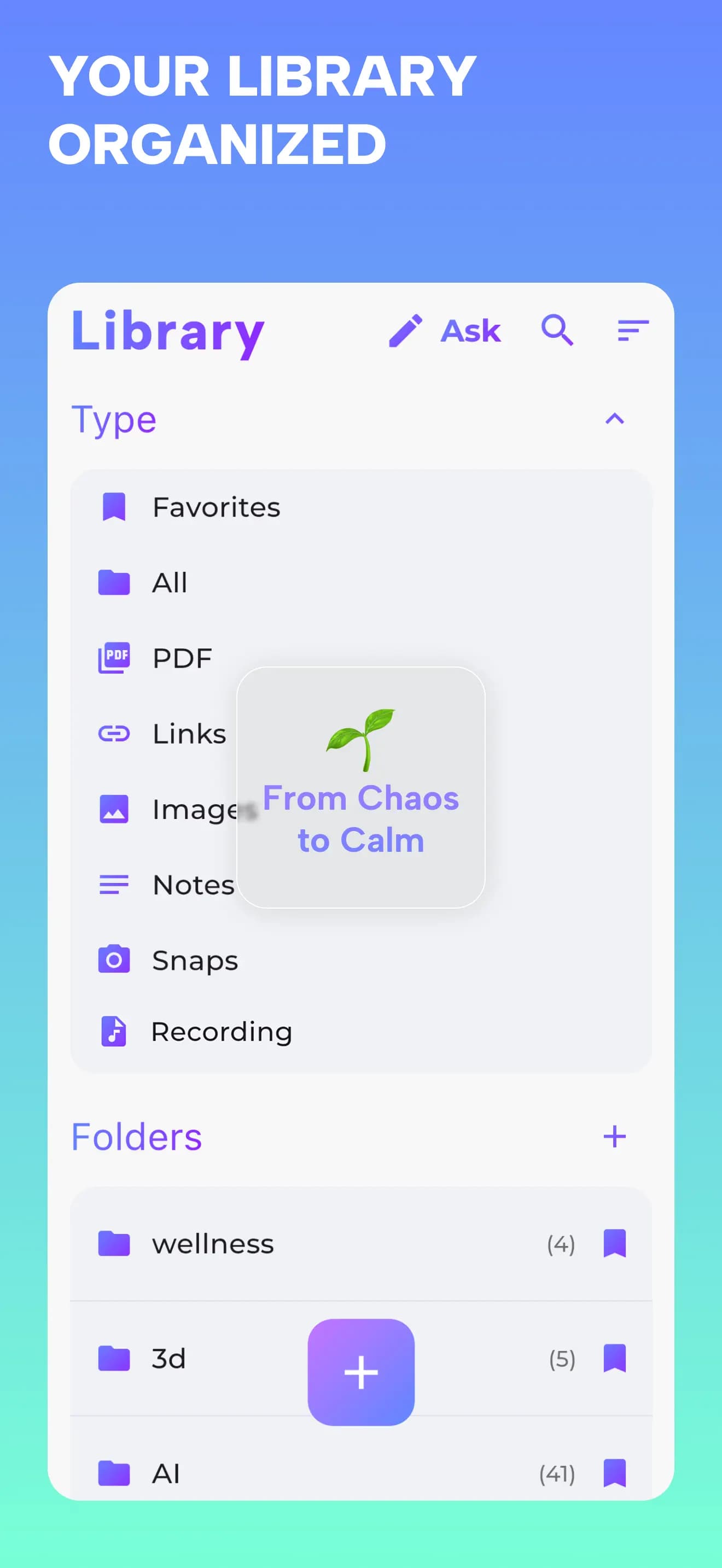
| Organization | Keep sources in a Second Brain Library with folders, tags, highlights, and favorites. Chat with an item or wider saved material. | Work with selected sources inside notebooks and create source-based study or research outputs.[2][4] |
|---|
| Audio experience | Record or upload audio, save the transcript, chat with the recording, and turn it into questions. Study content supports audio playback. | Audio Overviews present source material in generated audio formats, including brief summaries, critiques, and debates.[4] |
|---|
| Mobile access | iOS and Android apps. Saved Library material remains available offline; AI generation and chat require a connection. | NotebookLM has iOS and Android apps with source selection, flashcards, quizzes, and chat.[1] |
|---|