Capture from iPhone
Use Camera, Files, Voice, or the system share sheet to add the material already in your day.
A page in front of you, a PDF on your phone, or an idea you'd like to explore. Make flashcards in Grasply for iPhone and keep your notes and reading in your Library.
Download the free appUse this tool inside the Grasply app for iPhone, iPad, or Android.
Native iPhone app · Camera capture · Share sheet · Offline Library · iPad sync
From your iPhone
Shared lecture handout
Share a PDF, link, image, or note directly into your Grasply Library.
Generate a focused session, then keep the saved material available offline.
Which source do you want to review now?
Share a PDF from another app, scan the page in front of you, or record an explanation. Save it in your Library and choose it for a quiz when you’re ready.
How it works
Use Camera, Files, Voice, or the system share sheet to add the material already in your day.
Learn a new topic, test yourself, or review saved knowledge in Remember Feed.
Use audio playback, offline Library access, and iPad sync when your study context changes.
Example questions
A learner shares a French handout into Grasply, creates a bilingual quiz, hears the questions aloud, and saves missed concepts for another round.
Answer: The cell membrane.
Answer: Available in multilingual sessions.
Answer: The concepts you missed or marked for review.
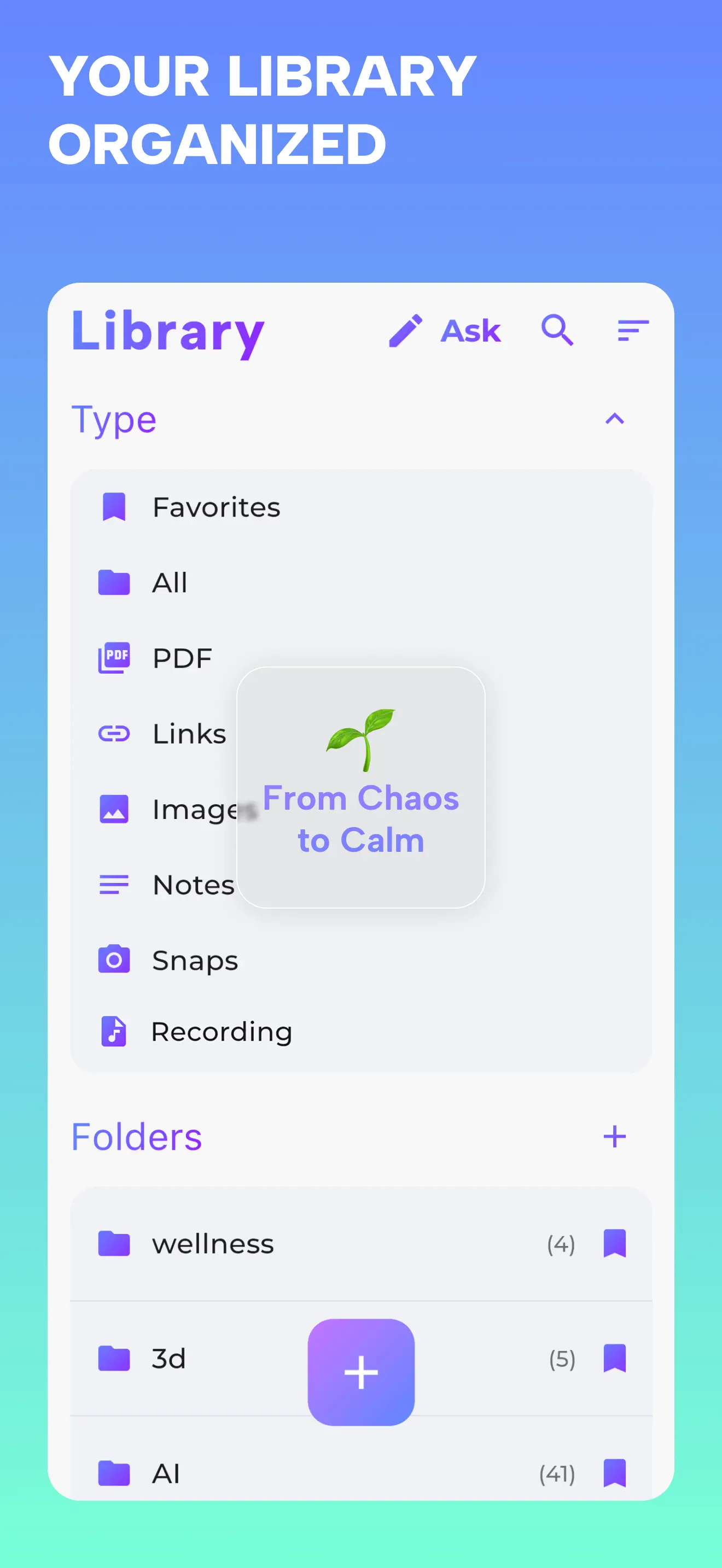
Grasply app screenshot.
In the app
Read saved Library items offline and sync your Library between iPhone and iPad. AI generation, chat, and transcription need an internet connection.
About the LibrarySend PDFs, images, links, and notes into Grasply from the apps you already use.
Camera OCR makes physical material part of the same study system.
Saved knowledge remains available when your connection does not.
Yes. Grasply is available on the Apple App Store for iPhone and iPad.
Yes. Use the iOS share sheet to send supported material into your Grasply Library.
Saved Library knowledge remains available offline; AI generation and web-backed features require a connection.
Yes. Supported iPhone and iPad devices can synchronize your Grasply Library.
Yes. Audio playback and Auto-Play can read questions and answer options in supported languages.
Download Grasply for iPhone and turn the material already on your device into active recall.
Download the free app