Paste the useful notes
Use a lecture summary, revision outline, personal summary, or copied set of highlights.
Find out what you can answer on your own. Use the explanations to work through the ideas you're still unsure about.
Use this tool inside the Grasply app for iPhone, iPad, or Android.
Paste text · Choose a goal · Mix 3 quiz formats · Auto-save notes
Pasted notes
Contract law — consideration
Consideration must be sufficient but need not be adequate.
Past consideration is generally not good consideration.
Must consideration be economically adequate?
Choose notes for a topic you want to feel more comfortable with. Try a quiz, read the explanations, and decide which parts you'd like to revisit. You can save the notes in your Library for another session.
How it works
Use a lecture summary, revision outline, personal summary, or copied set of highlights.
Get guidance for a new framework or a cleaner exam-style check when you know the basics.
Combine four-option MCQ, Yes / No, and Fill in the Blank in the same session.
Example questions
These questions use the outline above to practice the rule and terminology around consideration.
Answer: No.
Answer: It must be sufficient, but need not be adequate.
Answer: Past
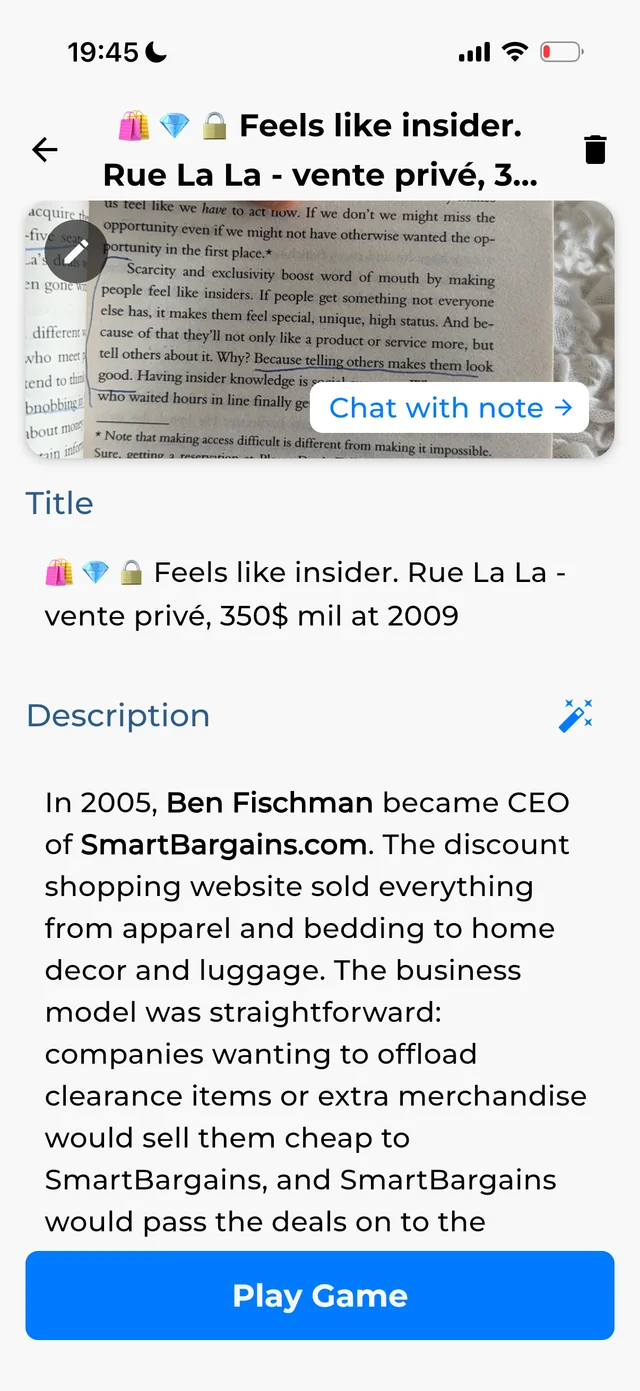
Grasply app screenshot.
In the app
Keep your notes in the Library so you can ask about a confusing point or use them for another quiz.
Read the release notesKeep the quiz grounded in the wording and distinctions from your own notes.
Answer without looking at your notes, then read the explanation for anything you missed.
Save the note to your Second Brain and bring it back through the Learning Feed.
Yes. Add or paste your note, then generate a quiz from that material.
Grasply supports Multiple Choice with four options, Yes / No, and Fill in the Blank.
Yes. A single session can mix recognition questions with exact-recall blanks.
Notes can be auto-saved to your Library so you can chat with them or study them again.
Yes. Grasply supports more than 20 languages and audio playback.
Studying vocabulary from your notes? Create vocabulary flashcards with sentences and bilingual explanations.
Paste the section you are revising and start a mixed quiz in Grasply.