Frame the useful passage
Use pinch-to-zoom or multi-page capture for small print, diagrams, highlights, and handwritten additions.
Photograph a passage that matters to you, check the text, and spend a little more time with it through a quiz.
Use this tool inside the Grasply app for iPhone, iPad, or Android.
Physical books · Camera OCR · Multi-page capture · Library chat · Remember Feed
Scanned textbook page
Campbell Biology — Chapter 7
The sodium-potassium pump moves three Na⁺ out of the cell and two K⁺ into the cell.
This active transport requires ATP.
How many sodium ions move out per pump cycle?
You don't have to scan the whole book. Start with a passage you want to spend more time on, check the text, and make a quiz. Keep the page in your Library so you can return to it as you read on.
How it works
Use pinch-to-zoom or multi-page capture for small print, diagrams, highlights, and handwritten additions.
Keep the original image with structured OCR text inside the right book or topic folder.
Start a quiz immediately or add the scan to Remember Mode so older chapters return.
Example questions
These questions use the page excerpt above to practice the direction, ratios, and energy needed for the sodium-potassium pump.
Answer: Three.
Answer: Yes.
Answer: potassium
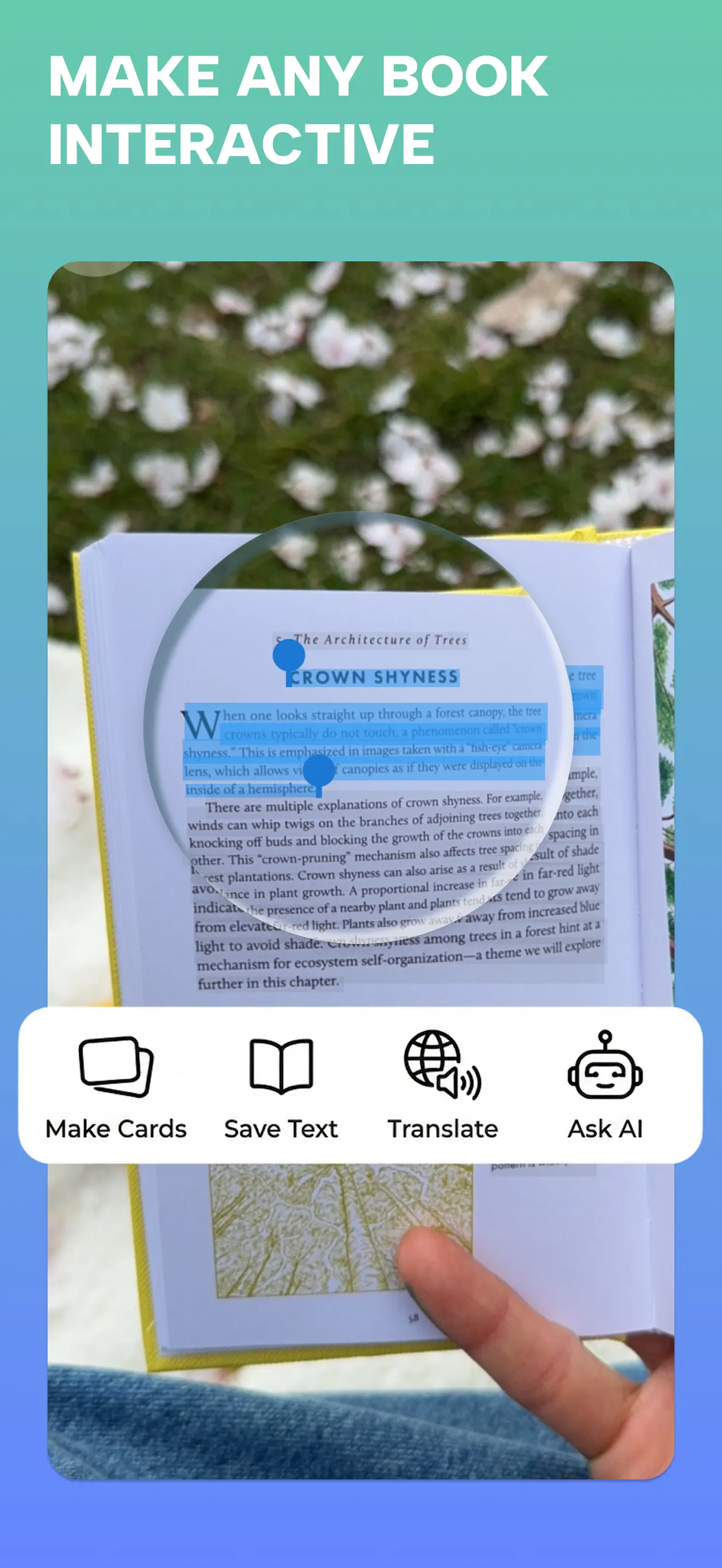
Grasply app screenshot.
In the app
Save your scanned pages in the Library, then choose them in Remember when you want another quiz.
Read the release notesPreserve the photographed source so the extracted note never loses its physical context.
Chat with one saved chapter, one folder, or related material in your Library.
Follow a related topic when a chapter leaves you with a new question.
Yes. Snap the pages you need, review the OCR result, and generate a quiz.
No. Capture only the pages, paragraphs, or diagrams that matter for your current learning goal.
The camera workflow supports multi-page capture for related material.
Yes. Save the scan with its extracted text in your Library for later reference.
Add saved book material to Remember Mode so Grasply can bring earlier ideas back in your Learning Feed.
Reading a textbook in another language? Make reading-comprehension flashcards from a passage.
Snap one useful page, play its quiz, and keep it in your Second Brain.