Choose or snap an image
Use a screenshot, whiteboard, textbook page, handwritten note, device, or everyday object.
Use a photo from class, a diagram, or a page you wanted to come back to. Check what Grasply recognizes and make a quiz from it.
Use this tool inside the Grasply app for iPhone, iPad, or Android.
Photos · Screenshots · Handwriting · Textbook pages · Real-world objects
Camera capture
Cell membrane diagram.jpg
Phospholipid bilayer with hydrophilic heads facing outward.
Channel proteins allow selected molecules to cross the membrane.
Do hydrophilic heads face the watery environments?
That photo from class can become something to practice with. Open it in Grasply, check that the text or visual details have been recognized correctly, and make a quiz. Save it if you'd like to return to it later.
How it works
Use a screenshot, whiteboard, textbook page, handwritten note, device, or everyday object.
Review the recognized text or visual details before making a quiz.
Save the result to your Library or immediately turn the image into active-recall questions.
Example questions
These questions use the diagram notes above to connect the membrane’s structure with its function.
Answer: Yes.
Answer: A channel protein.
Answer: bilayer
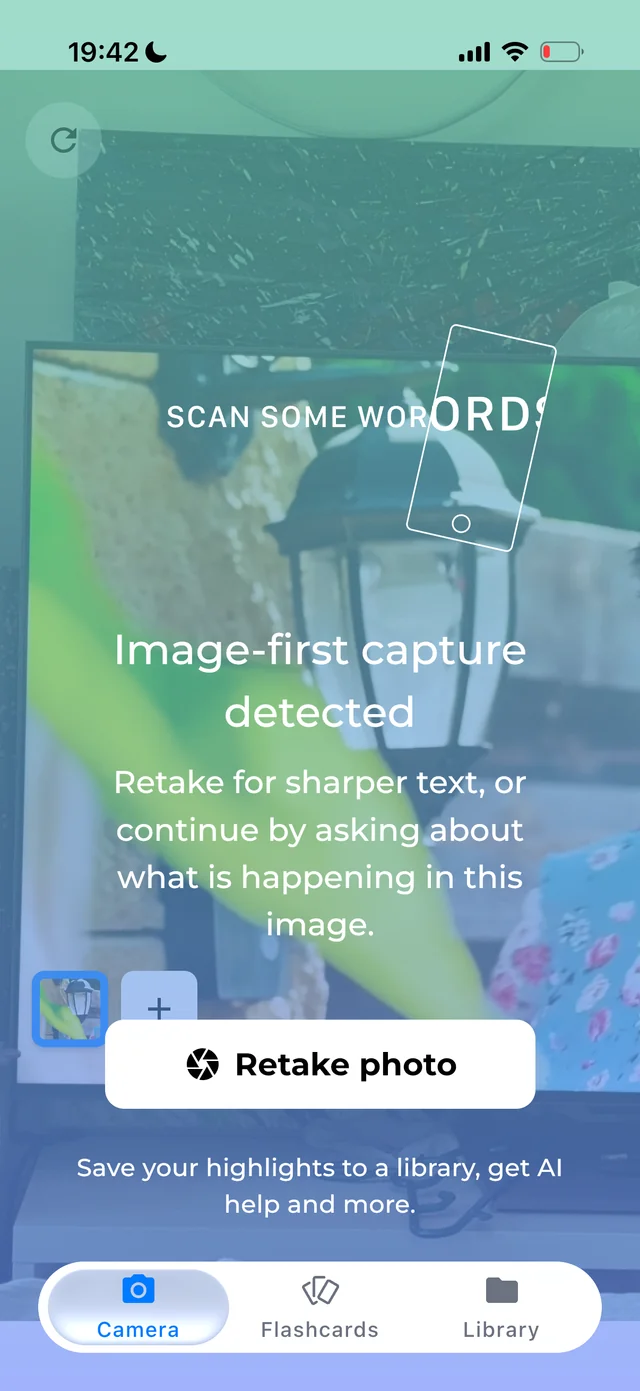
Grasply app screenshot.
In the app
The camera supports printed text, handwriting, and objects. Check what it recognizes before saving it or making a quiz.
Read the release notesIf sharper OCR is not possible, continue by asking what is happening in the image.
Keep the source image beside the extracted note in your Second Brain.
Speak or translate selected camera text before turning it into a quiz.
Yes. Import the screenshot, review the recognized content, and generate a quiz from it.
Yes. Clear handwriting can be extracted with OCR and saved or studied.
Image-first capture can recognize the visual context and lets you ask what is happening in the image.
You can capture and save the useful material as Library items, then generate from the material you want to study.
Yes. Selected OCR text can be spoken or translated before you save or study it.
Captured a foreign-language book page? Turn the scanned passage into a comprehension quiz.
Use the photo already on your phone—or snap the page in front of you.